Stop breadcrumb
One pin means visited
A map-pin symbol appears after a Stop has been visited. The current row uses a contrasting background and outline, so location and history remain distinct.
Full tour field guide
Your visit, at your pace
Drag the panoramic image to look around. Select scene rings and beacons to move nearby, object labels and exhibit flags to learn more, or use the menu and map to jump anywhere in the museum.
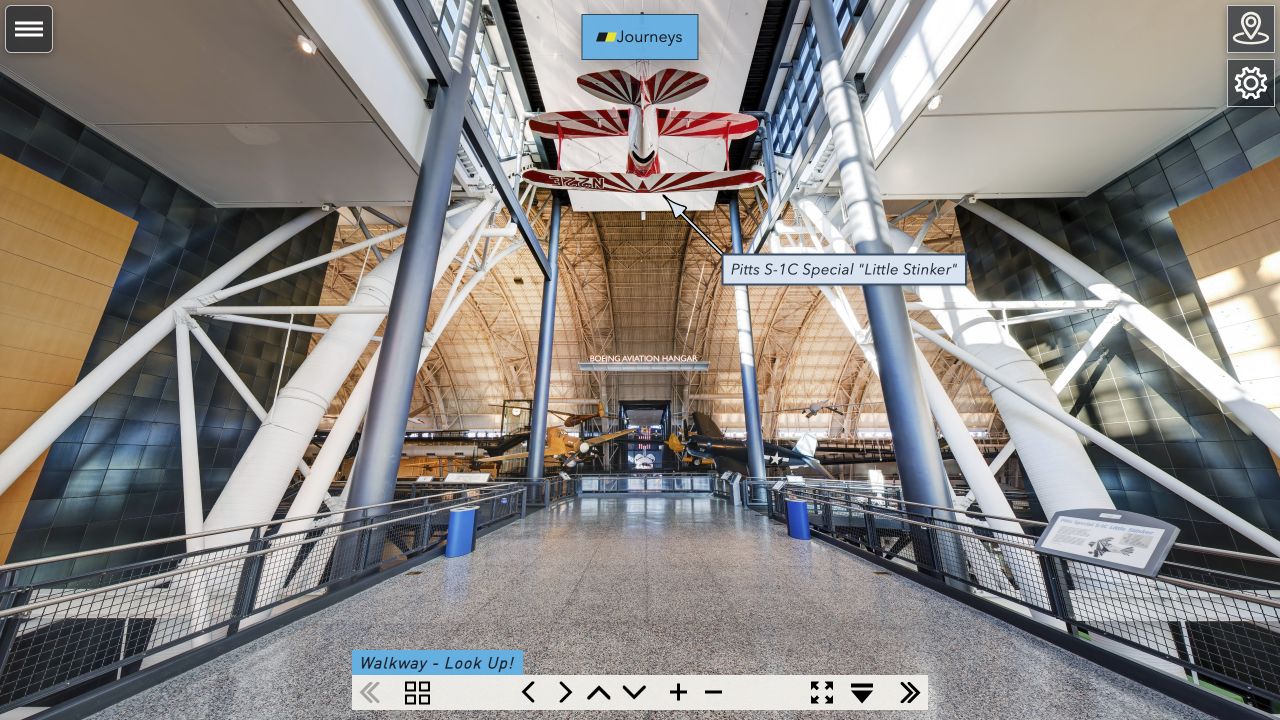
The ribbon supplies direct movement without replacing normal mouse, trackpad, touch, or keyboard interaction.
The Full tour treats every panorama as a Stop. The list follows the same order as the tour and automatically centers the active location.
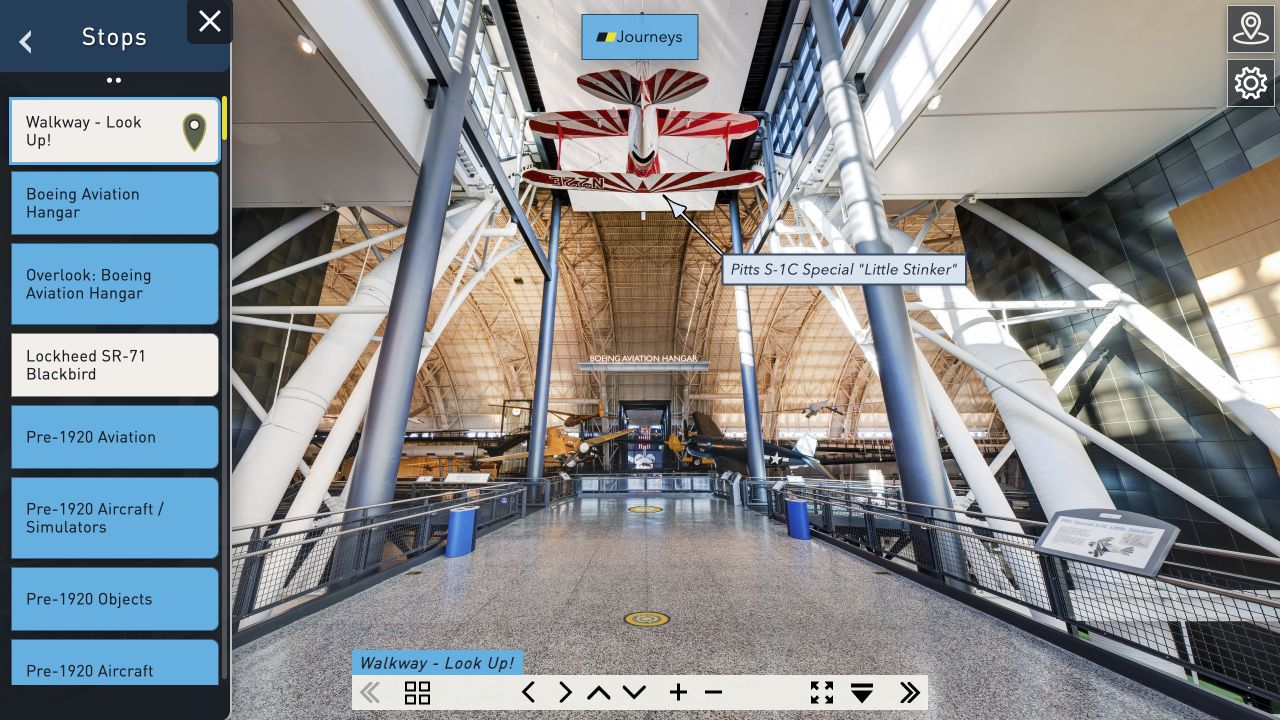
Stop breadcrumb
A map-pin symbol appears after a Stop has been visited. The current row uses a contrasting background and outline, so location and history remain distinct.
Object and exhibit breadcrumbs
An empty circle records that you reached the relevant scene. Opening the object or exhibit information completes that breadcrumb with its icon.
The map is a live navigation window, legend, orientation aid, and progress dashboard.
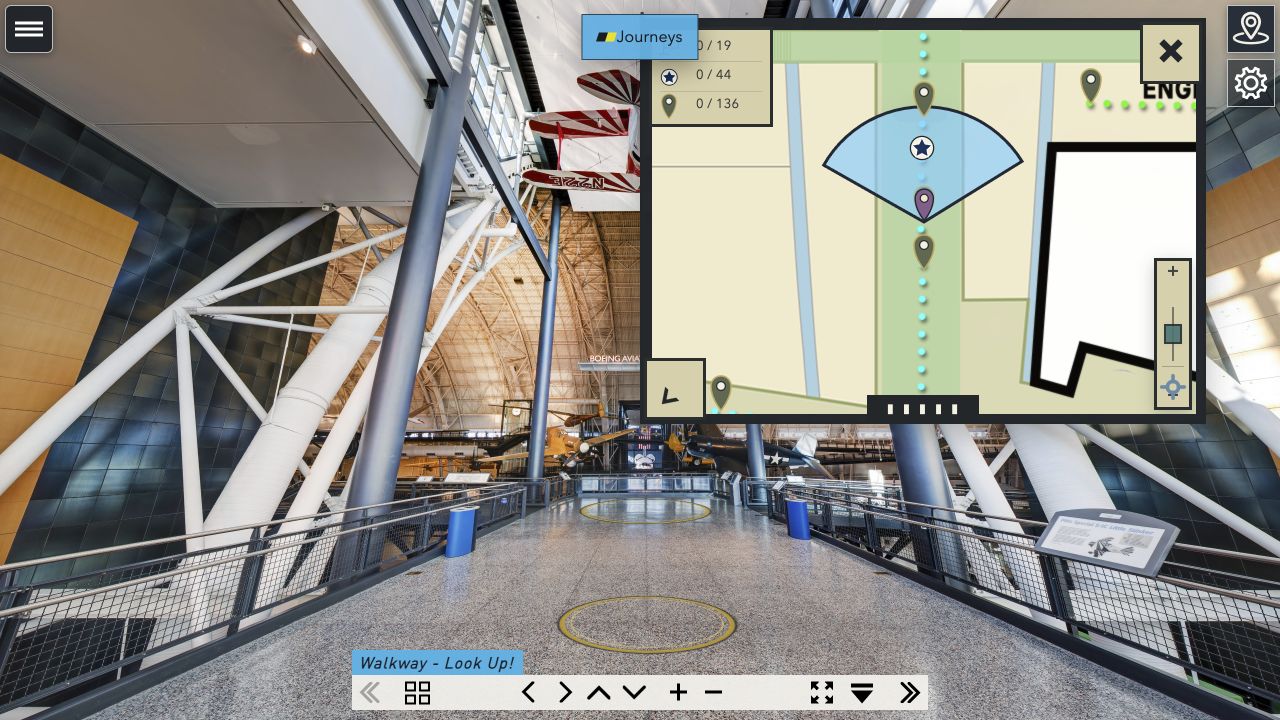
Flags lead to subject-area introductions.
19 areas
Stars mark highlighted aircraft, spacecraft, and artifacts.
44 objects
Pins identify every panoramic viewpoint.
136 StopsThe legend counters are controls as well as totals. Select one to see only the entries not yet completed.
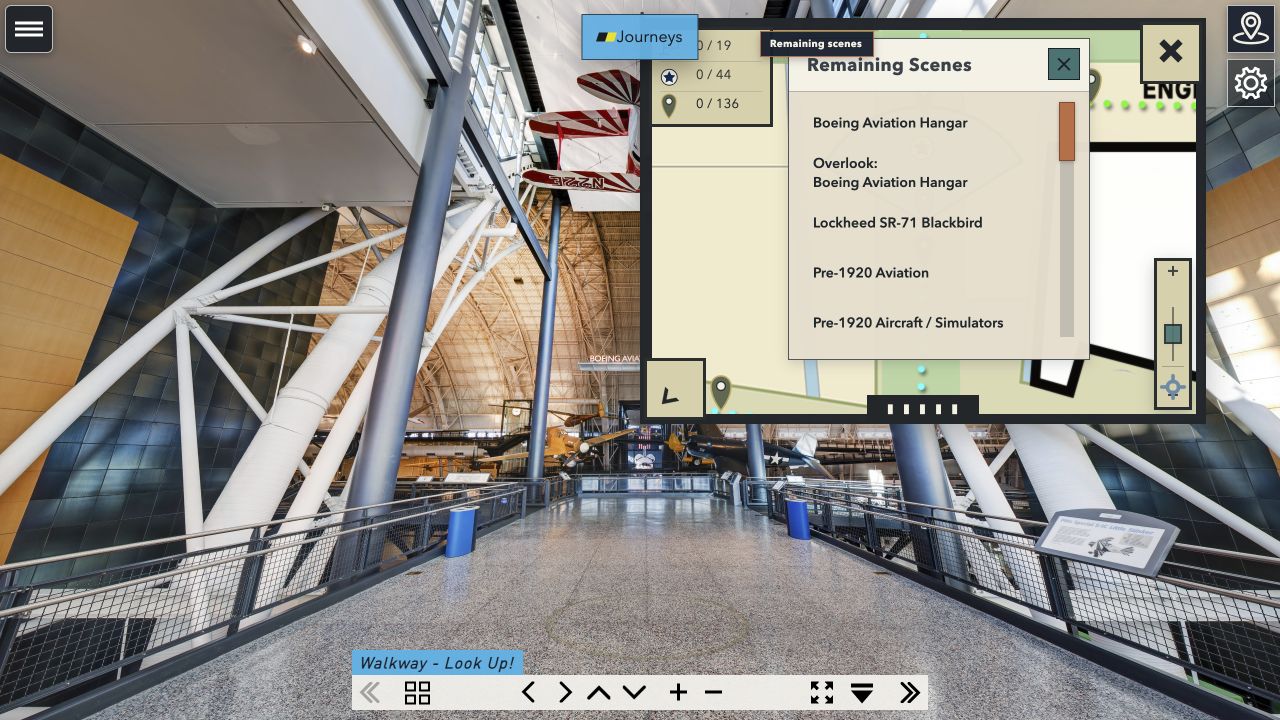
Object panels and learning journeys add interpretation without interrupting free exploration.
Object stories
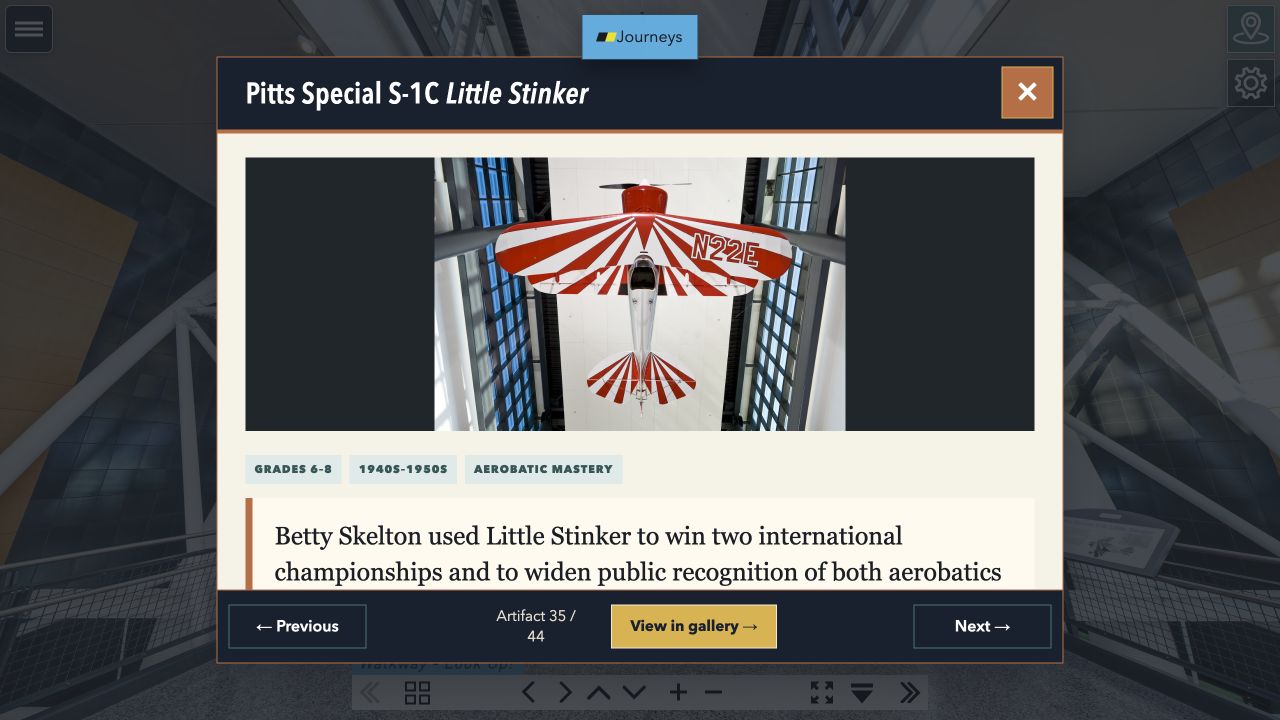
Open a panorama label or an object entry from the menu. Close the viewer to return to the same scene, or use View in gallery to visit the object’s Stop.
Learning journeys
The learning segment in the bottom ribbon opens sequenced educational routes and displays lesson progress. A journey can suggest the next story while leaving the menu, map, and free exploration available.